Democratic AI for the
Public Sector
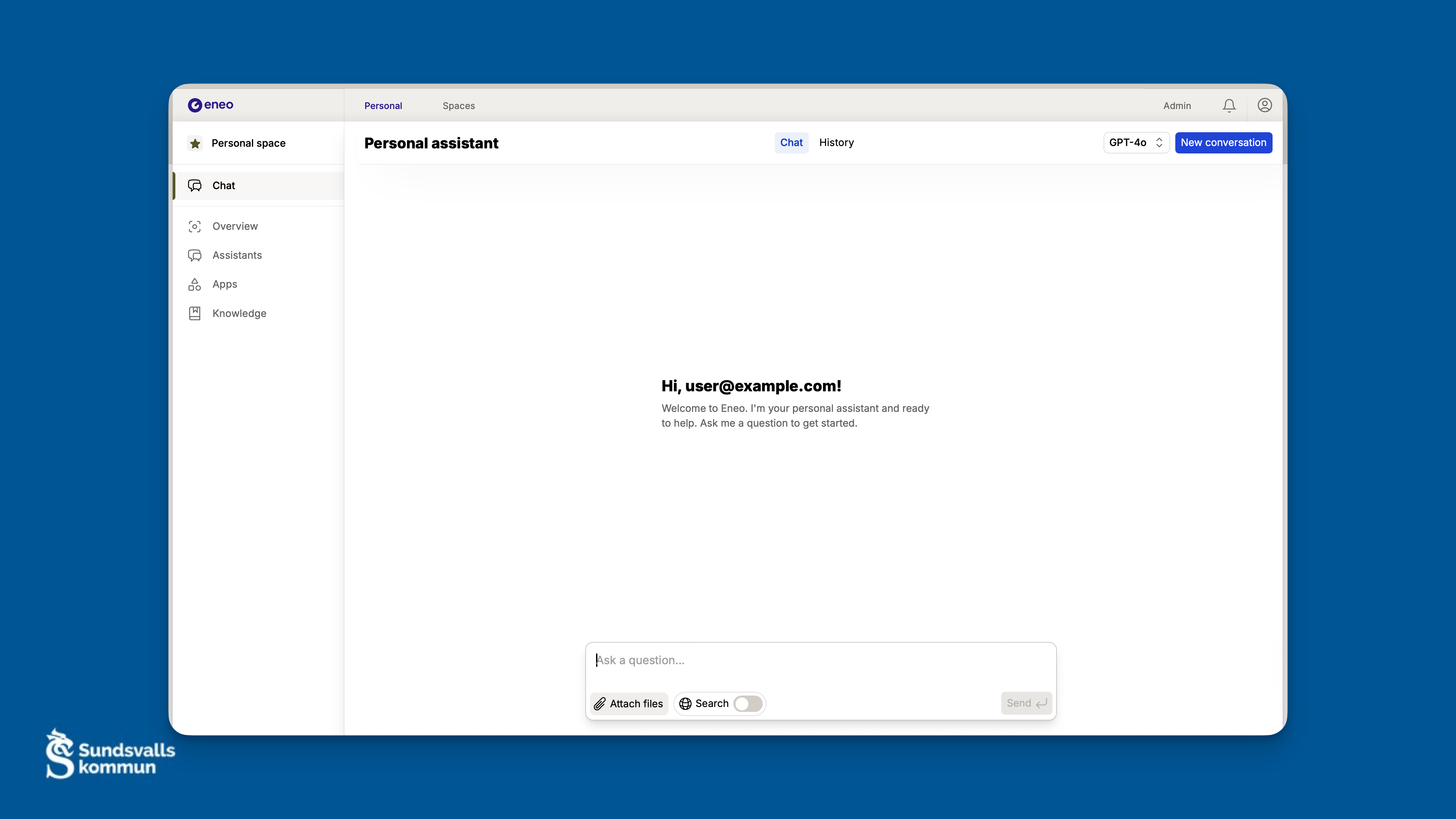
Choose Your Path
Try Locally
Quick start
Deploy to Production
Complete guide
Architecture
Explore system design
Quick Start
Two ways to get a running instance: the Docker Compose reference stack (served by Traefik with Let’s Encrypt, so it needs a public domain) or the VS Code DevContainer for local development.
Docker Compose
# Clone the repository and enter the deployment folder
git clone https://github.com/eneo-ai/eneo.git
cd eneo/docs/deployment/

# Copy environment templates
cp env_backend.template env_backend.env
cp env_frontend.template env_frontend.env
cp env_db.template env_db.env

# Create the external network Traefik uses
docker network create proxy_tier

# Generate the secrets the templates ship empty
echo "JWT_SECRET=$(openssl rand -hex 32)"          # env_backend.env
echo "URL_SIGNING_KEY=$(openssl rand -hex 32)"     # env_backend.env
echo "POSTGRES_PASSWORD=$(openssl rand -base64 24)" # env_backend.env AND env_db.env
docker compose run --rm --no-deps backend python -m eneo.cli.generate_encryption_key  # ENCRYPTION_KEY in env_backend.env

# Paste the values into the env files, set PUBLIC_ORIGIN and the domain URLs,
# and replace your-domain.com / your-email@domain.com in docker-compose.yml

# Start all services
docker compose up -d
Access: https://your-domain.com (Traefik only routes the host name you set in docker-compose.yml; there is no localhost route)
Default login: user@example.com / ChangeMePassword1!
The deployment guide walks through every value.
Next steps after install:
Add an AI provider in Admin → Models (saving credentials requires ENCRYPTION_KEY), then create your first Space and Assistant.
Full deployment guide →
Collaborative Spaces
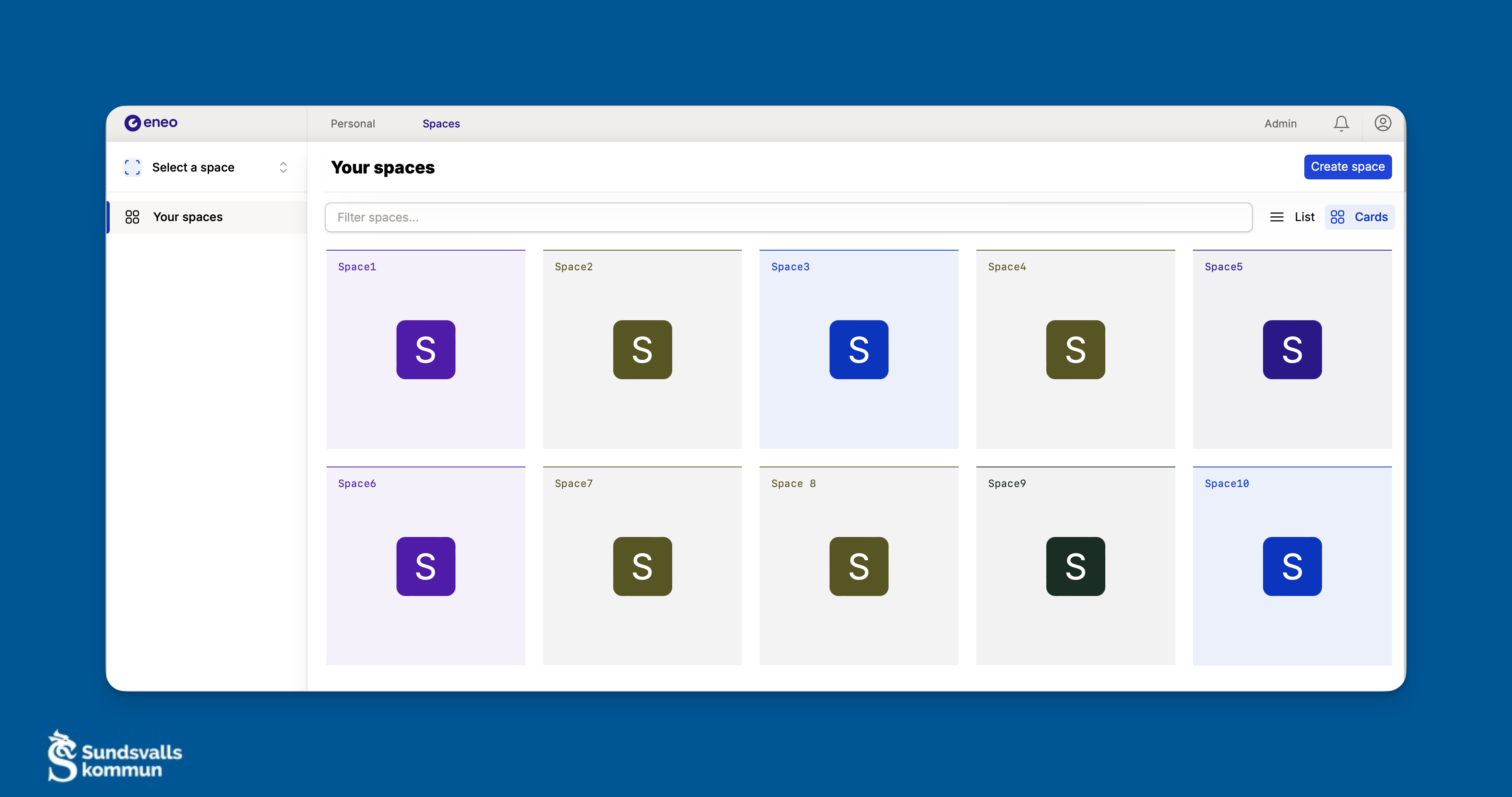
Create Spaces
Add Knowledge
Build Assistants
Secure Access
Why Eneo?
Data Sovereignty
Audit Logging Guide
Model Agnostic
AI Provider Setup
Public Sector Ready
Audit Logging Guide
Popular Guides
View all guides
Production Deployment
Read the guide
AI Provider Setup
Configure
Enterprise SSO (OIDC)
Set up SSO
SharePoint Integration
Connect SharePoint
Key Capabilities
| Capability | Description |
|---|---|
| AI Assistants | Create custom assistants with specific system prompts and knowledge bases |
| Knowledge Management | Process PDFs, Word, Excel, and web content with semantic search |
| Multi-tenant | Isolate organizations with separate credentials, IdPs, and quotas |
| Real-time Chat | Streaming responses via SSE with conversation history |
| Background Processing | Async document ingestion and web crawling with ARQ workers |
| API-first | Full REST API with OpenAPI documentation |
Community & Support